
Vol command center
Diagnose, calibrate, validate, and commit energy vol surfaces
Energy desks need more than a surface picture. They need to understand how a quote changes the smile, whether the adjustment is valid, and what downstream analytics will consume.
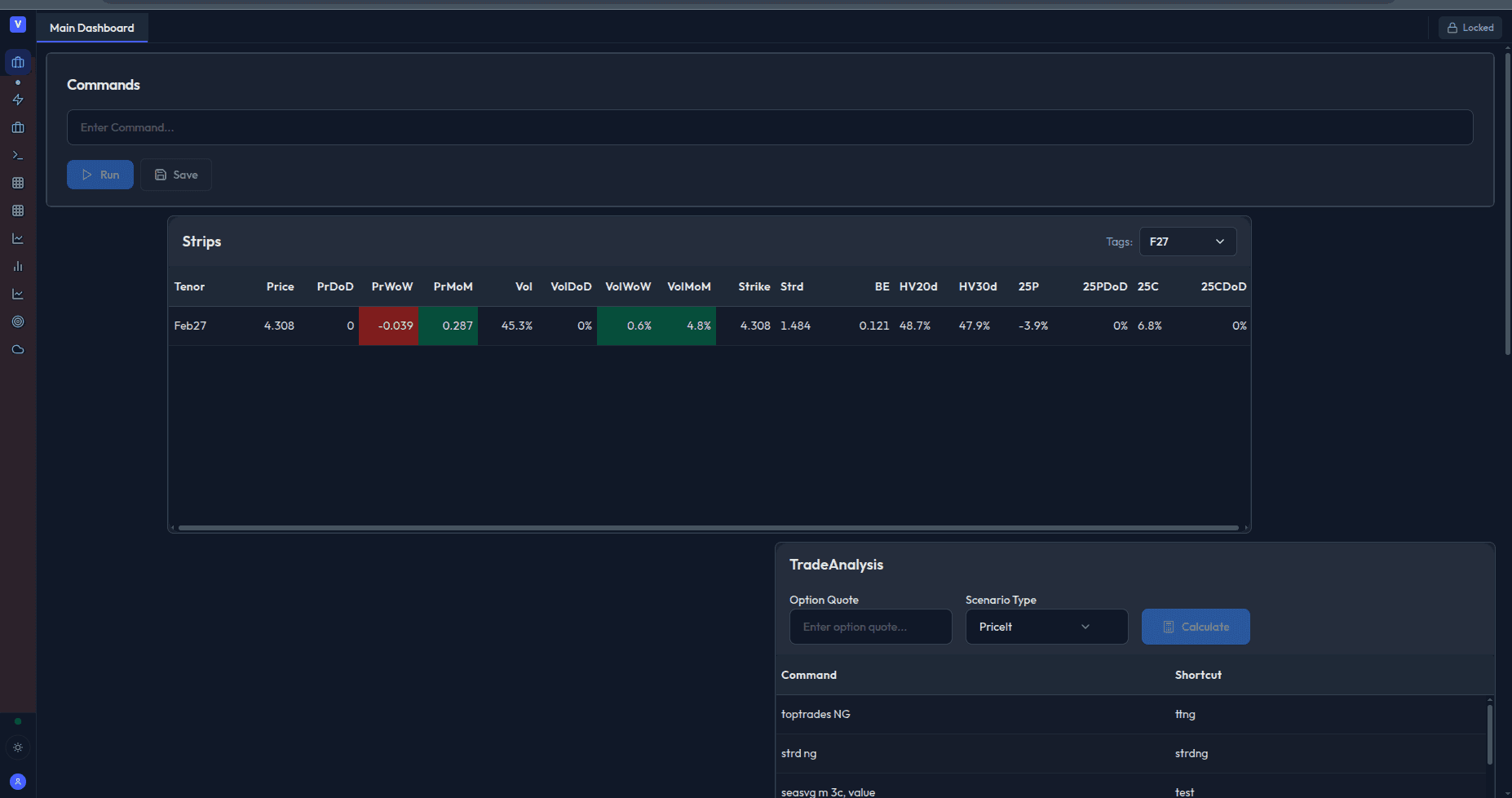
Workflow
Surface changes should leave a review trail
Diagnose
Start from a broker quote, trade idea, or surface break and identify where the current smile needs review.
Calibrate
Fit the impacted surface while preserving locked anchors, delta buckets, and desk constraints.
Validate
Check arbitrage, smoothness, quote impact, and model consistency before treating the surface as usable.
Commit
Push broker-adjusted surfaces into the workspace with a reviewable trail for downstream analytics.
Desk fit
Built for quote-driven energy vol work
This page should speak to the senior trader or quant who knows that a surface adjustment is only useful if the reason, impact, and validation are visible before it moves downstream.
NG, CL, and LN product support for energy-focused surface workflows
SVI and ESSVI-style calibration context for smile diagnostics
Quote impact review before committing a broker-adjusted surface
Batch-job awareness for repeated calibration and validation workflows
Downstream use in Greeks, strategy analysis, and report packets
Desk review process built around evidence instead of hidden model changes
Bring a quote or broken smile
The best demo starts with a real workflow: a broker quote, month, strike area, or surface issue your desk wants to diagnose and validate.
Schedule Calibration Demo